Aurebesh Unicode and Copy & Paste: Why the Symbols Change
Can you copy and paste Aurebesh as ordinary Unicode text? Not as a universally recognized set of Aurebesh characters. Unicode does not currently assign a dedicated Aurebesh alphabet. Most Aurebesh tools and fonts instead show familiar Latin letters in different glyph shapes. The text can be copied, but the appearance usually depends on the font or application displaying it.
That difference becomes important when a message looks correct on one screen, then turns into English letters after being pasted into a chat, document, or profile. The writing has not necessarily been lost. In many cases, only the visual styling has disappeared.
Is There an Aurebesh Unicode Alphabet?
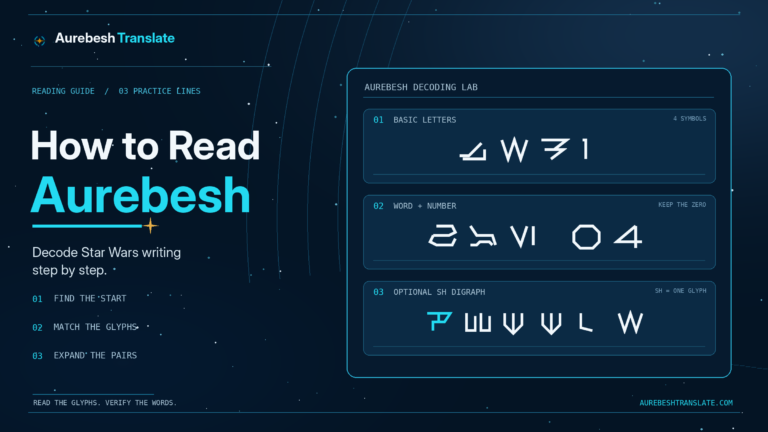
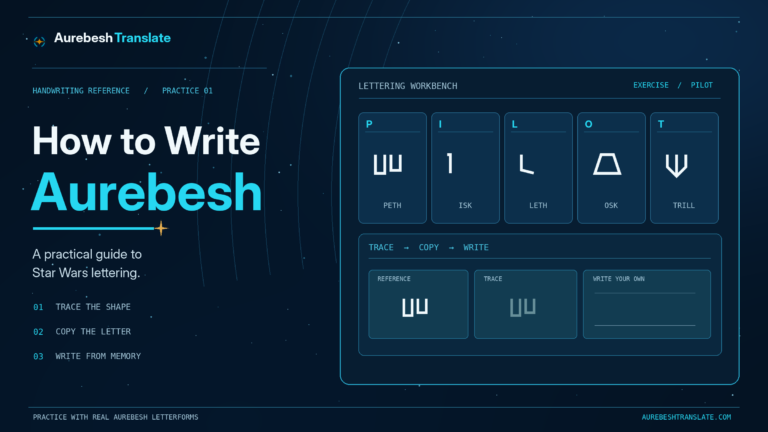
Unicode assigns standardized character identities to writing systems and symbols. For instance, the Latin capital A is U+0041. A font decides how that character looks on the screen. In the site’s AurebeshTranslate Regular typeface, the same Latin A is drawn as Aurek, its Aurebesh equivalent.
There is no separately encoded, official Aurebesh A–Z block that works like the standardized Latin, Greek, or Cyrillic alphabets. As a result, an Aurebesh letter shown in a custom font does not become a new universally recognized character simply because its outline differs from English handwriting.
This does not mean the font is unusable or the text is somehow outside Unicode. Its underlying Latin characters are valid Unicode. What is not standardized is a separate one-to-one set of Unicode characters with universally agreed Aurebesh meanings and glyph support. The Unicode Consortium’s Fonts and Keyboards FAQ distinguishes standardized text characters from the fonts used to display them.
What Actually Gets Copied When Aurebesh Is on Screen?
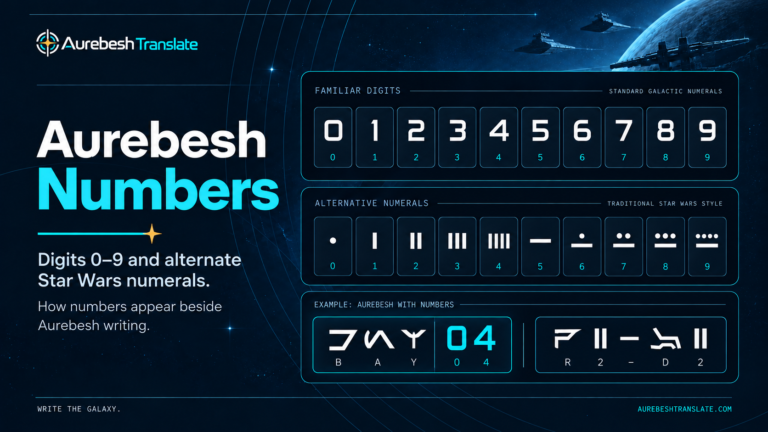
Imagine typing HANGAR 07 and viewing it in an Aurebesh font. The displayed letters have angular Aurebesh shapes, while the stored characters still spell HANGAR 07. Copying the editable text generally transfers those underlying characters—not the special shape of the font.
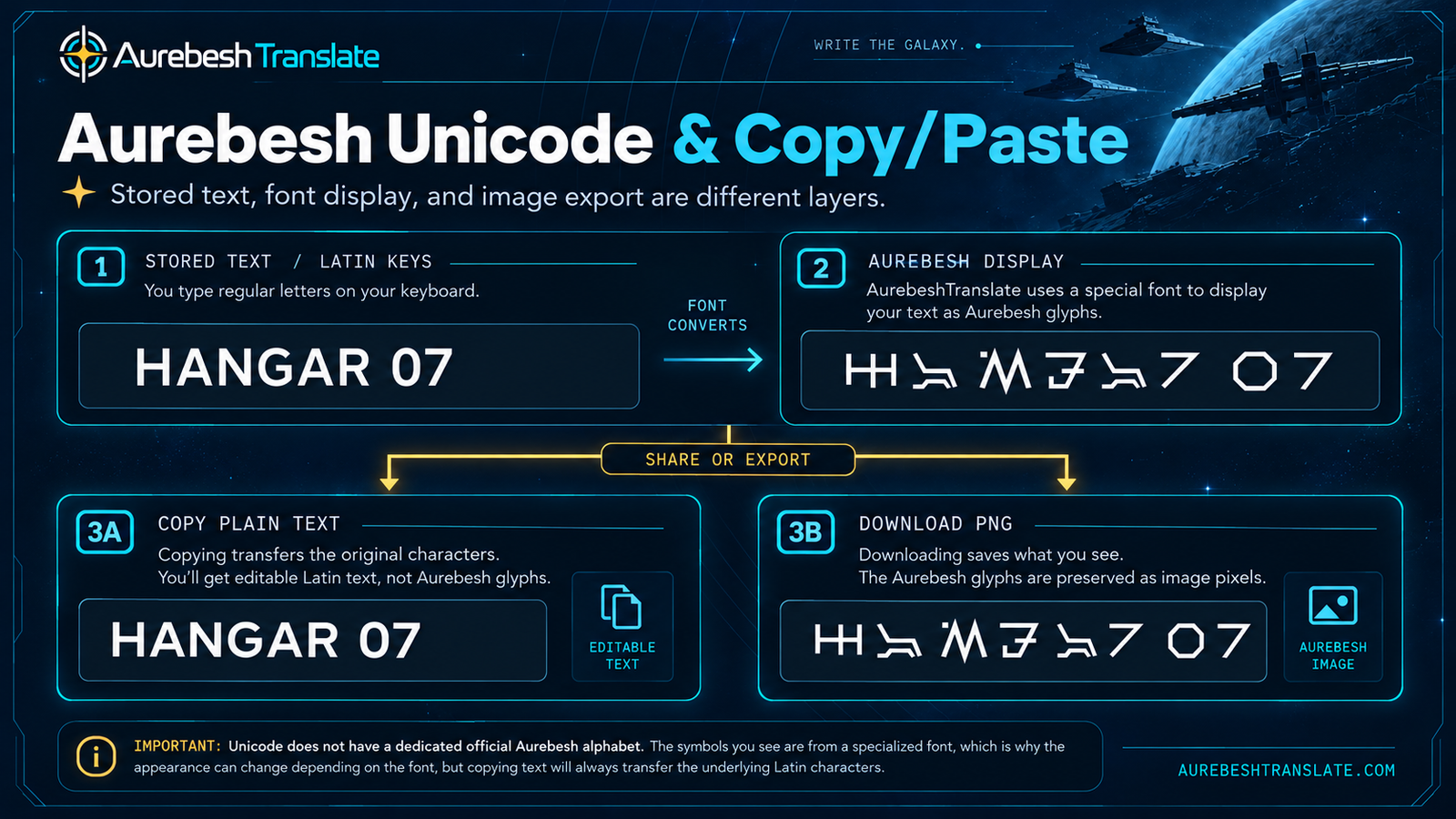
The important distinction has three parts:
| Layer | Example | What it means |
|---|---|---|
| Stored text | HANGAR 07 |
Characters that can be edited, searched, and copied |
| Aurebesh display | The same text drawn in AurebeshTranslate Regular | Font-dependent glyph shapes shown on your screen |
| Image output | A PNG of those glyph shapes | Pixels that preserve the visible lettering without requiring the recipient’s font |
When you paste into an application that uses its own normal text font, HANGAR 07 can reappear in Latin letters. It is not a failed transliteration: the receiving app is drawing the same characters with a different font.
How to Copy or Share Aurebesh Without Losing Its Appearance
There are three workable approaches, but they solve different problems. Choose based on what the recipient needs to do with the text.
For Editable Text: Copy the Latin Keys
Use Copy Latin keys in the Aurebesh keyboard or the corresponding copy control in the Aurebesh translator. This retains the actual spelling, spacing, numbers, and punctuation, so the recipient can edit the words. It does not promise that the pasted result will look like Aurebesh.
If the destination is a desktop application that supports custom fonts, apply a compatible Aurebesh typeface to the pasted text. That is the most practical route when the wording must remain editable and the application gives you control over its typography.
For a Message That Must Look Like Aurebesh: Use an Image
If the recipient needs to see the exact letter shapes, export a PNG instead. The site’s keyboard offers Download Aurebesh PNG, including an option for a transparent background. The resulting file preserves the visible lettering when viewed on another device, without asking that device to install the font.
A PNG is less convenient for changing the wording or copying individual characters. Keep the original Latin text alongside it if you may want to revise the message later. This is especially useful for a short sign, event graphic, or illustrated caption.
For Longer Documents: Check the Exported File
A document using a custom Aurebesh font may look right on your computer and different on someone else’s. Font substitution can occur if their system or application cannot access that font. Where supported and permitted, a PDF with properly embedded fonts—or lettering converted to outlines—can preserve the layout more reliably. Export settings and font-embedding permissions vary, so open the finished file on another device before assuming it is portable.
The Aurebesh fonts resource covers the site’s desktop typeface and the installation side of this process. This guide concerns what happens when the result leaves the original application.
Why Aurebesh Copy and Paste Behaves Differently Across Apps
A desktop design program, a web page, and a plain-text message may all show the same stored letters differently. That is because they have different levels of control over font selection.
In a document editor, custom fonts may be available after installation, so applying Aurebesh to selected text can change the appearance without changing the stored letters. Whether the design survives sharing depends on the file and the receiving software.
On a web page, a site can load its own webfont and render Aurebesh in the browser. Copying the characters into an unrelated website does not transfer the original site’s font files or styling. The new page decides what typeface to use.
In most ordinary chat fields, comments, and social profiles, you cannot attach your own font styling to each character. Pasting plain text therefore generally produces Latin letters. For a visually consistent Aurebesh message in such a setting, share an image where the platform accepts one.
This also explains why an online “fancy Unicode font” generator is not a dependable substitute. Some generators replace Latin characters with lookalikes from other Unicode ranges. They may survive copying as text, but resemblance does not make those symbols Aurebesh. Their character identities can be unrelated, which can confuse searching, accessibility software, and anyone trying to decode the result against an actual Aurebesh chart.
What About Unicode Private-Use Characters?
Unicode includes Private Use Areas (PUA) whose code points can be assigned custom meanings by font makers and other cooperating users. These are valid Unicode code points, but the standard itself does not say that a particular private-use value means Aurek, Besh, or another Aurebesh letter.
A custom font might show an Aurebesh character for one PUA value. On another system without the matching font and agreed mapping, that identical value might display as a missing-glyph box, appear blank, or show something entirely different. Being valid Unicode text is not the same as having a standardized Aurebesh meaning.
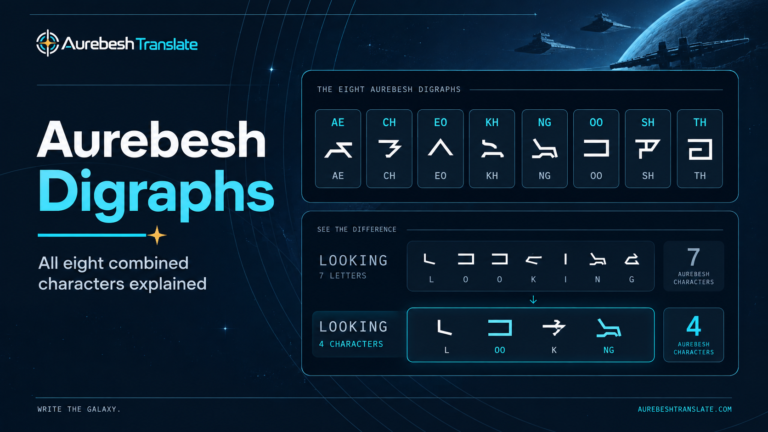
This is relevant to the site’s own display engine. It uses private-use glyph positions for its eight optional combined characters while rendering those combinations. Those positions are implementation details that help the local font display AE, CH, EO, KH, NG, OO, SH, and TH as single glyphs. They are not an official Unicode Aurebesh alphabet and should not be distributed as though every device understands them.
Why the Copy Button and Selecting the Preview Can Give Different Results
The site’s copy buttons deliberately use the underlying Latin text. If you type SHIP and choose Copy Latin keys, you get SHIP, including both S and H, regardless of whether the preview shows those letters separately or as the single Shen (SH) glyph.
Directly selecting and copying the visual preview is a different action. With optional digraphs enabled, some characters in that preview can be represented using private-use values for display. Depending on the browser and destination, a manual copy of the preview may carry those values rather than the ordinary two-letter spelling. The destination may then show an unsupported symbol or an unexpected character.
For a dependable editable result, use the provided copy button rather than selecting rendered glyphs. For a dependable visual result, use PNG export. If you are studying which Latin letters belong to a glyph, the Aurebesh alphabet chart identifies the character mappings without relying on visual copying.
Troubleshooting Aurebesh That Changes After Pasting
| What happens | Likely reason | Best next step |
|---|---|---|
| Aurebesh turns into English letters after paste | The destination uses an ordinary font for the copied Latin text | Apply a compatible font if supported, or use a PNG |
| An unfamiliar square or blank symbol appears | A private-use or other unsupported character has no matching glyph | Copy the underlying Latin keys instead of the display preview |
| SH or TH appears as two glyphs rather than one | The receiving font or application does not reproduce the optional combined form | Check the original font and its digraph setting; the Latin spelling is still valid |
| An image looks correct but its words cannot be edited | The output contains pixels, not live text characters | Retain and edit the source Latin text, then export again |
| A shared PDF changes its font or spacing | The export or viewing application substituted a font | Check font embedding or outlines and verify the exported file |
If a pasted inscription still seems wrong after restoring the appropriate font, compare its letters with the original text. Problems with copy-and-paste portability are distinct from mistakes in spelling or reading Aurebesh.
The Practical Rule: Share Text for Editing, Images for Appearance
You do not need a fictional “Unicode Aurebesh character” for every letter to make useful digital lettering. You need to decide whether the result must remain editable, visually consistent, or both.
For editing, preserve the Latin spelling and apply an Aurebesh font where the destination allows it. For a message that needs to look the same on another device, export a rendered image. For a document that needs both accurate typography and a reusable format, test its final export and keep the original source file.
That distinction prevents the most common surprise: a perfectly correct Aurebesh line changing back to familiar letters when its font styling does not travel with the text.